
Event Focus: Assistive Switches
Switches are used to create access for users with mobility difficulties for devices such as adaptive toys, environmental control units, computers/ tablets, adaptive gaming and communication devices.
Switches may either be simple and mechanical, closing a circuit. Or more complex, containing a sensor to trigger the switch activation. Users who use assistive switches may benefit from these devices.

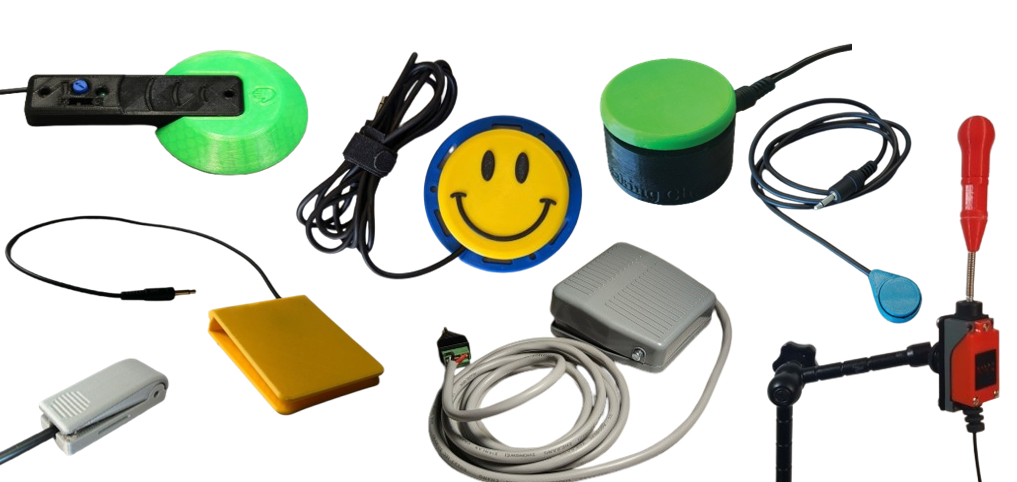
Here are some switch styles you can look up in our assistive library
· Interact
· Low Profile
· Raindrop
· Light Touch
· Rocker
· Unibody
· MMC 60
· Proximity
Steps to find the files you need to build a device
- Ensure you are logged into your mmc account
- Click the assistive devices tab of the website
- Search your build example: low profile switch
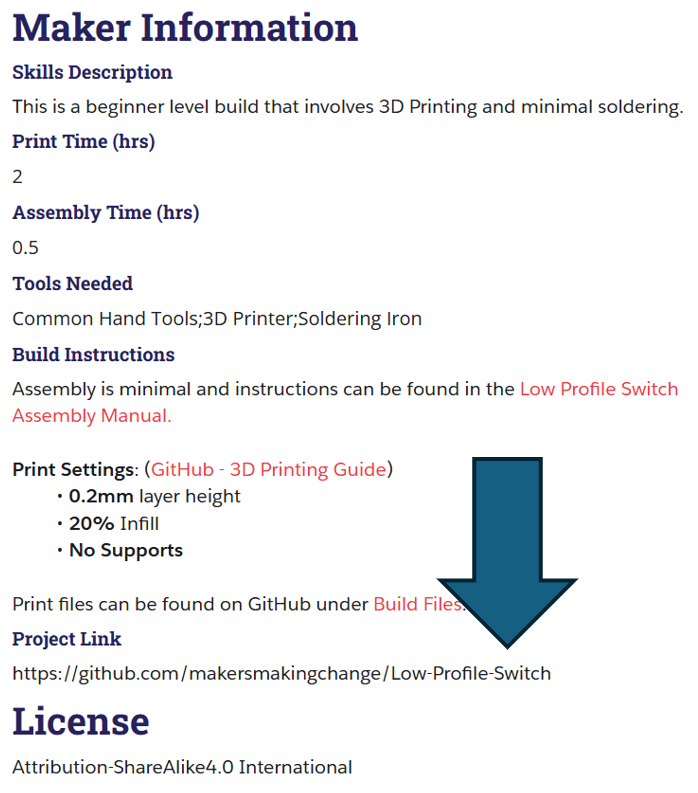
- Click into the device and scroll until you find the project link.
- Click the project link, if the project is on GitHub you will find
- Build Files: This is where you will find the 3D print materials
- Documentation: This is where you will find the Maker/Assembly Guide and the Bill of Materials (BOM)
Shopping Kits for Parts:
Raindrop, Light Touch, Rocker Switch, Low Profile Cart: https://www.digikey.ca/short/j592pdbq
Interact Switch: https://www.digikey.ca/short/927mnd8w