
Learn How Our Community Works
Welcome to the Makers Making Change community!
Makers Making Change is an online platform providing a disruptively low-cost alternative to commercially available assistive technologies.
Our volunteers makers are passionate about accessibility and are ready to build assistive technology for the community. With over 200 devices available in our assistive devices library, there are many options for people with disabilities and clinicians to choose from.
How Does the Request Process Work?
Makers Making Change doesn’t sell assistive devices.
Rather, people can browse and request a device from the assistive devices library. A volunteer maker will then reach out to the individual to build their device. Requesters only have to cover the cost of materials and shipping.
To Get Started:
Step 1: Sign up
Sign up for a Makers Making Change account.
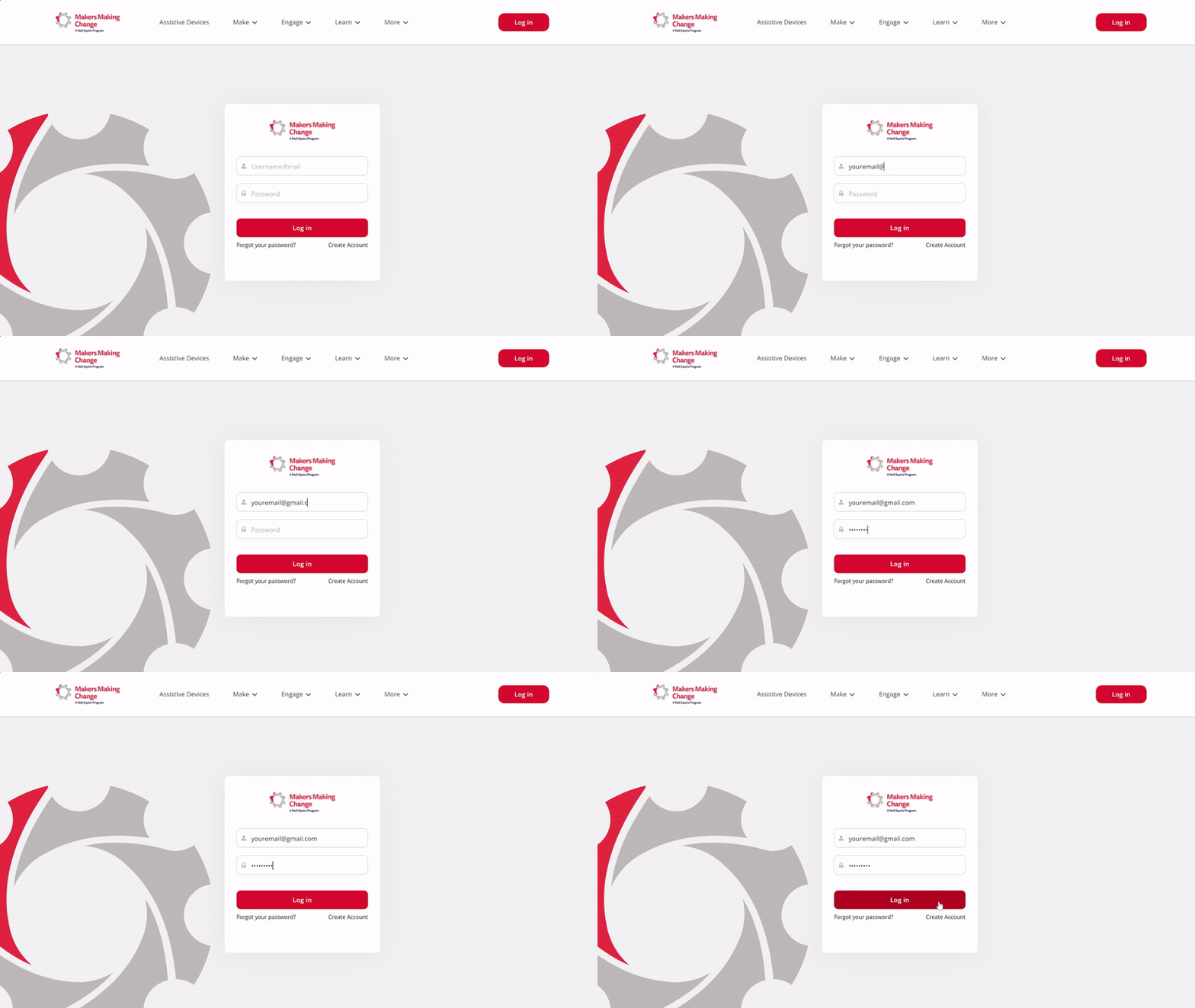
Step 2: Choose a Device
Browse the Assistive Device Library. Choose a Device by clicking “Request a Maker.” Requests are posted to the Maker Wanted page for volunteer makers to take on.
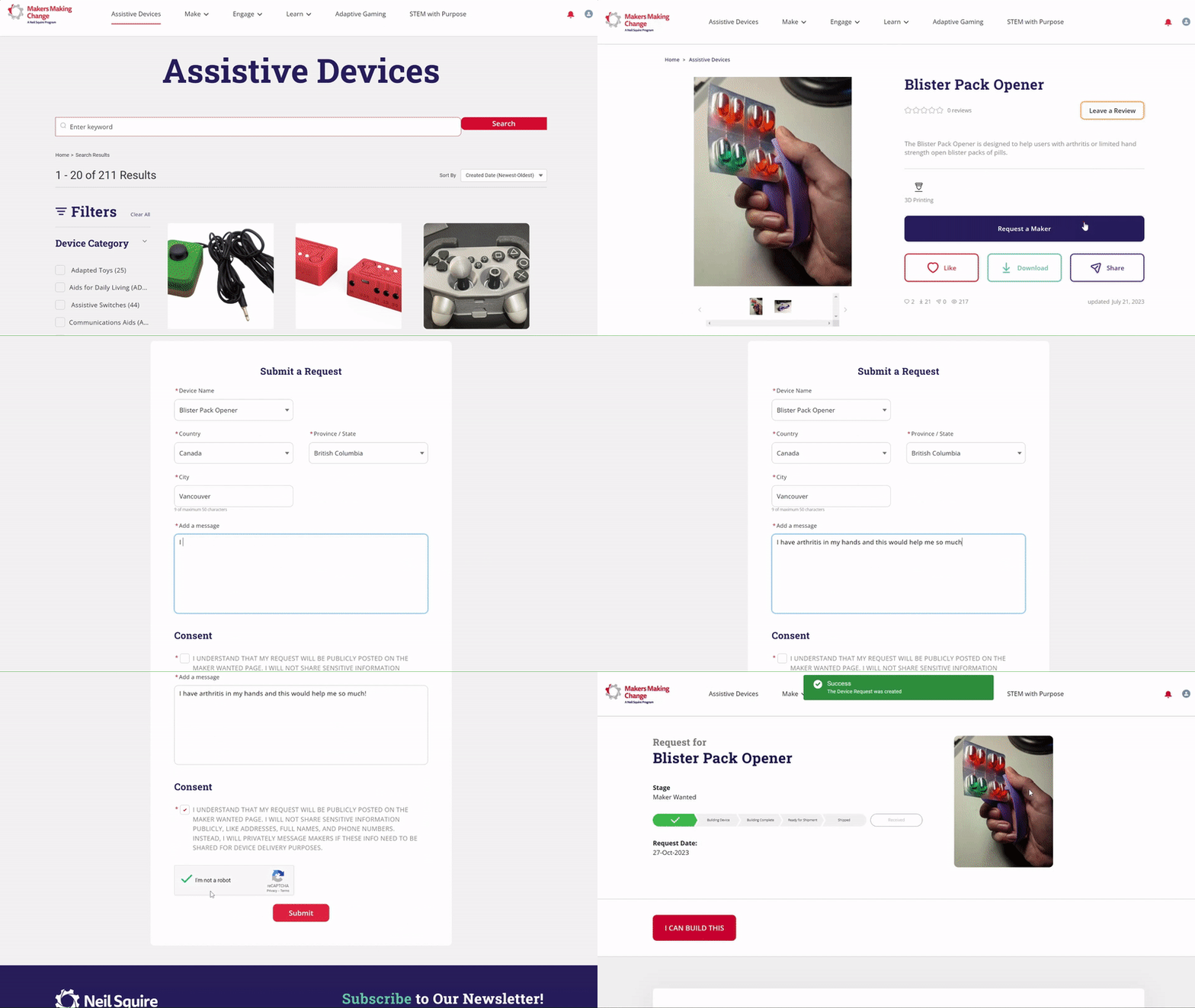
Step 3: Build Device
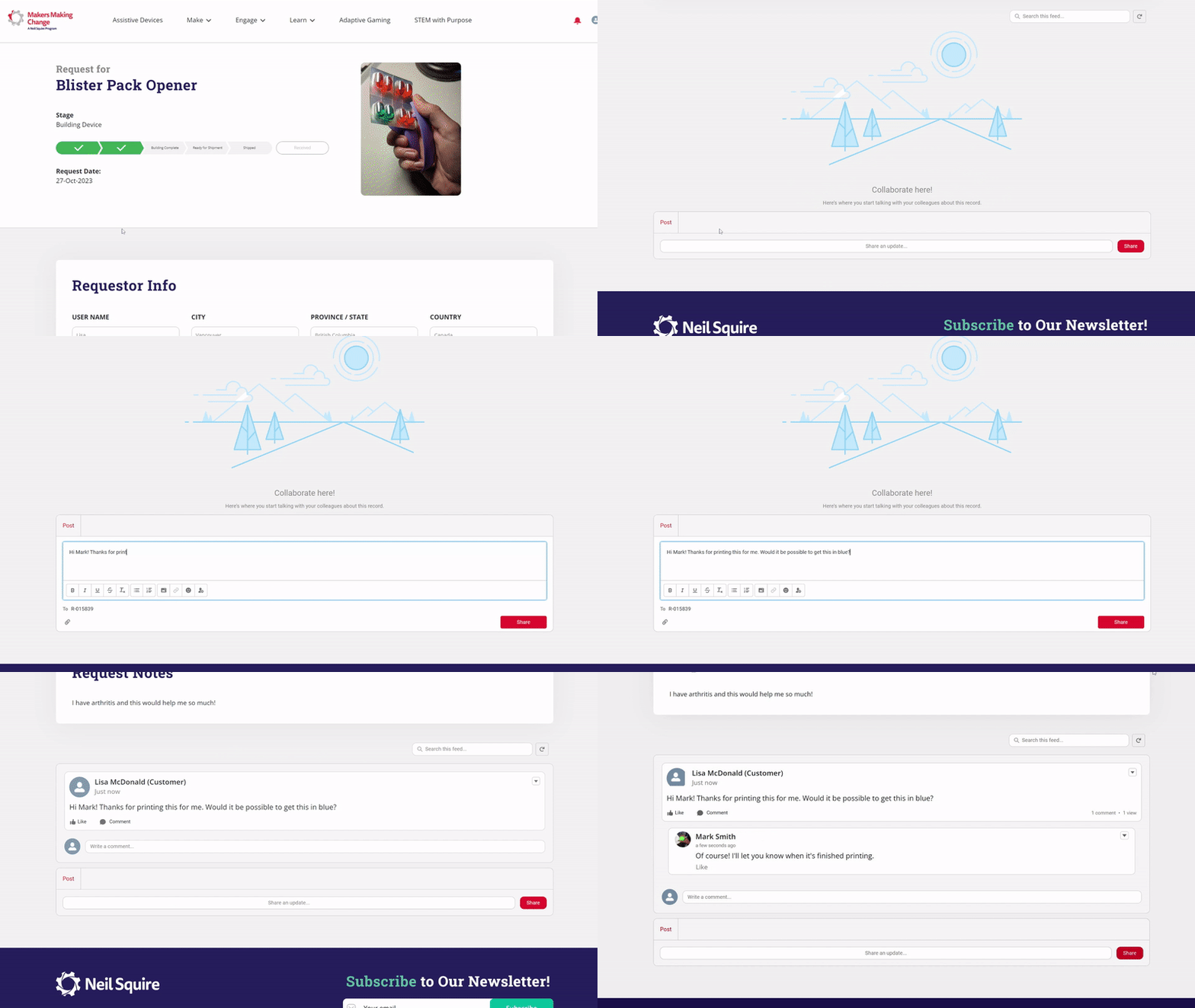
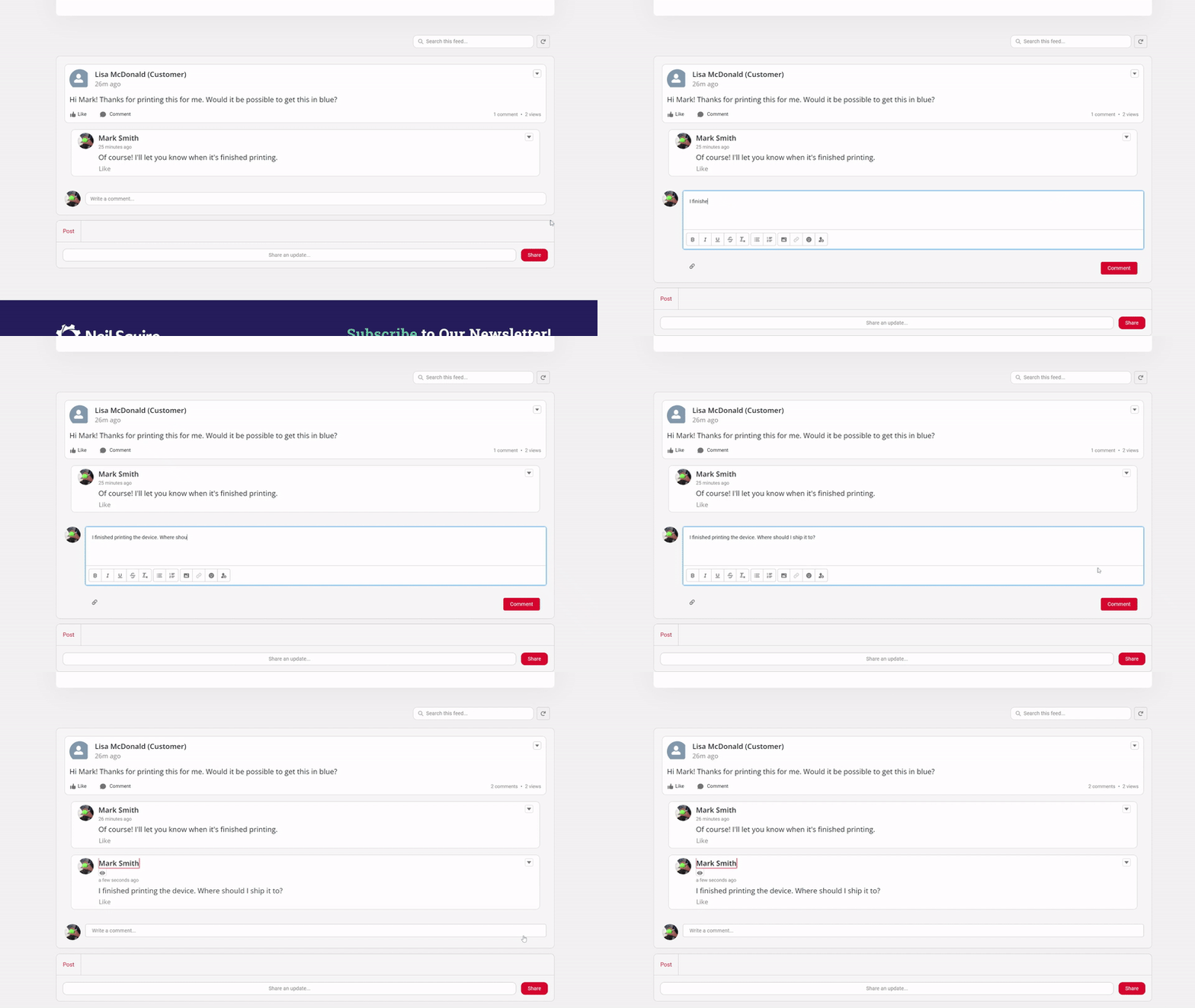
After a volunteer assigns themselves as a maker on your request, both parties can start chatting using the “Share An Update” button at the bottom of the page.
Requesters and volunteers can confirm details like expected material and shipping costs and timeline before building. You can always come back to your request by going to My Profile > My Requests and my Builds.
Note for Makers: Be sure to update your build progress by selecting the correct stage!
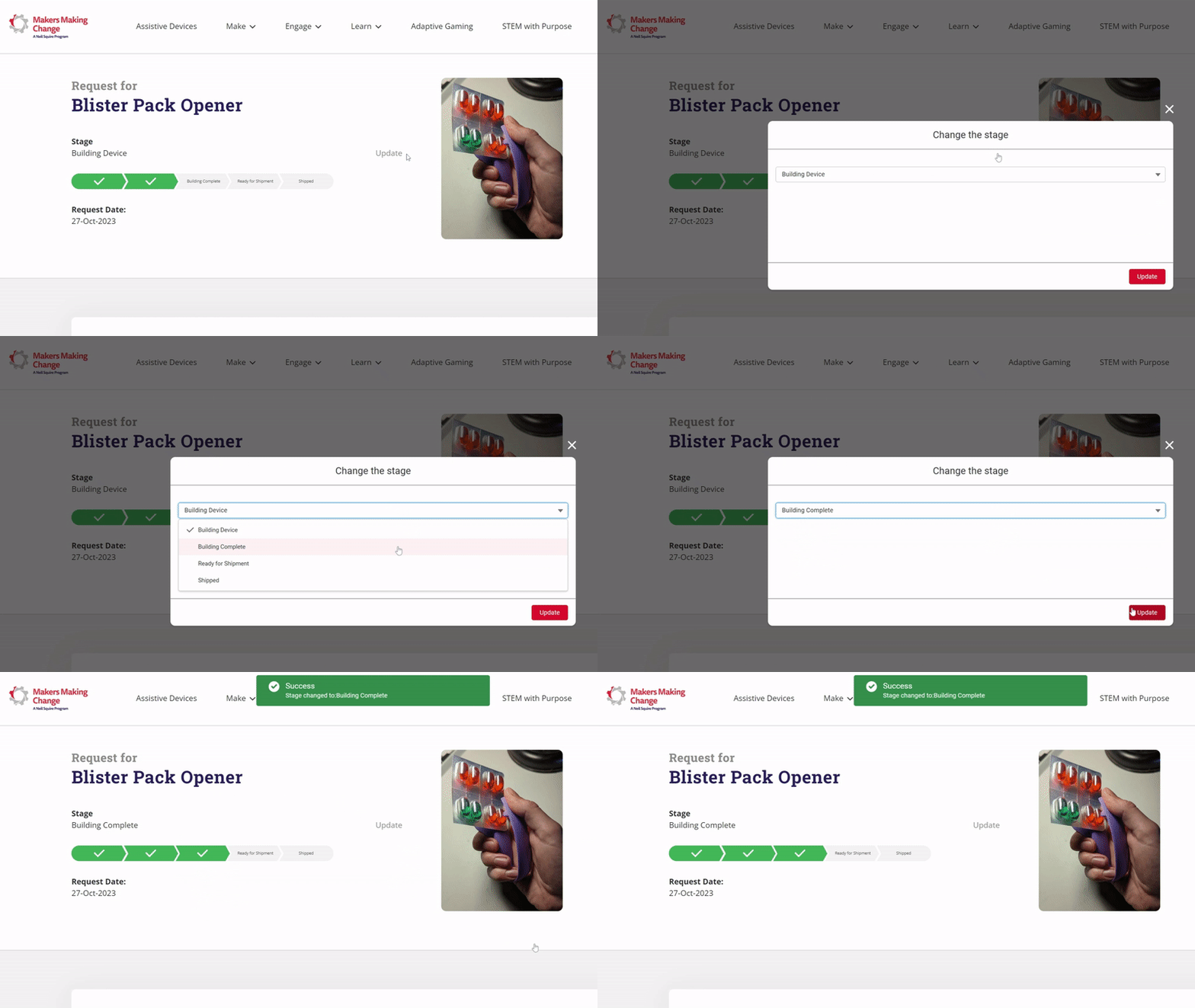
Step 4: Ready for Delivery
When the device is complete, the maker and requester can coordinate how to reimburse the part costs and delivery method. We recommend using Interact E-Transfer so only an email is exchanged.
Step 5: Receive Device
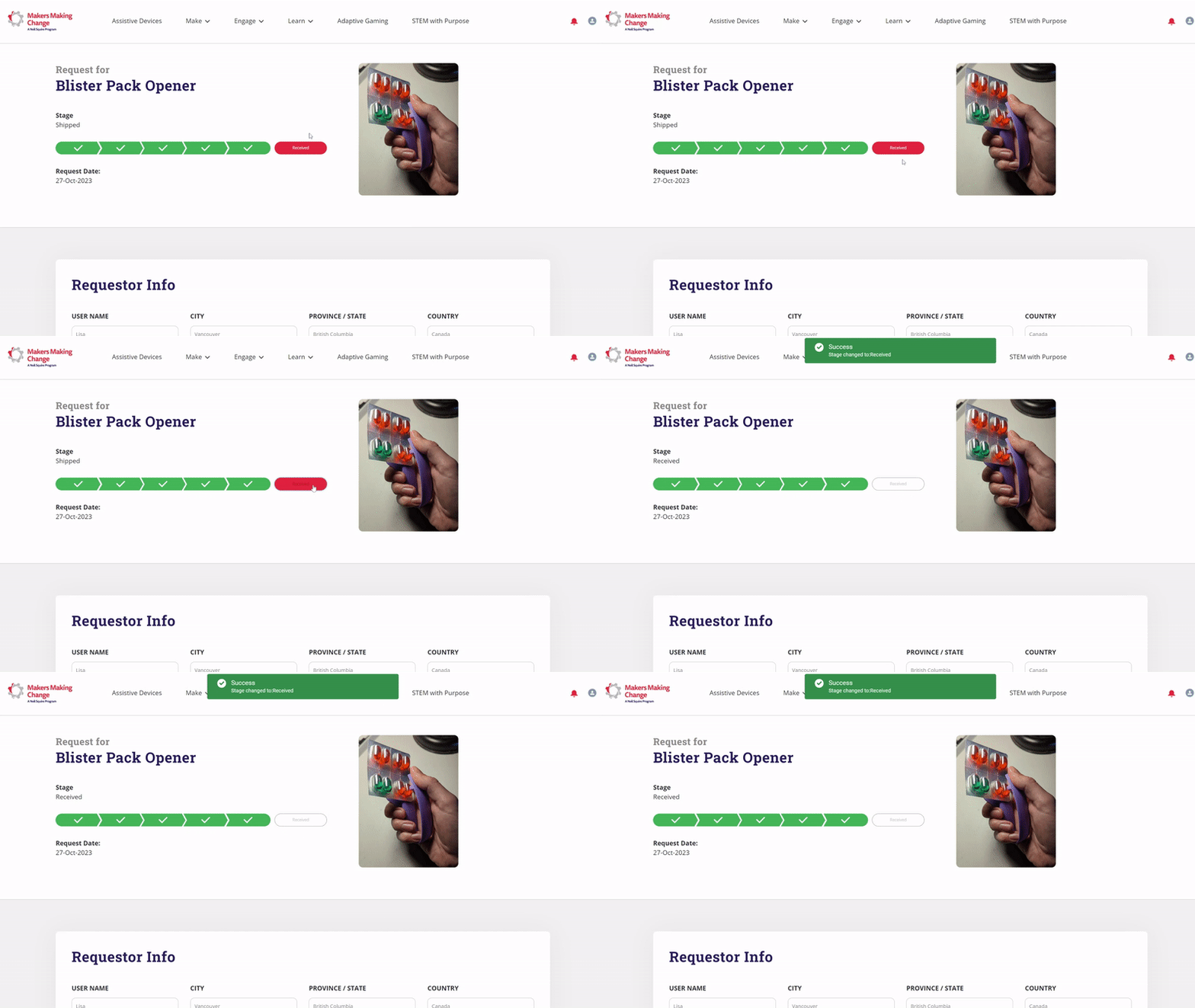
Update the request to let your volunteer maker know you received the device.
Don't See a Device You're Looking For?
If you're looking for a particular device and don't see it in our Assistive Devices Library, you can post your idea to our Forum to see if others would know a solution or chat with Makers to help you design the idea. Click on the "Add Article" button below the title to submit your idea (must be logged in).