
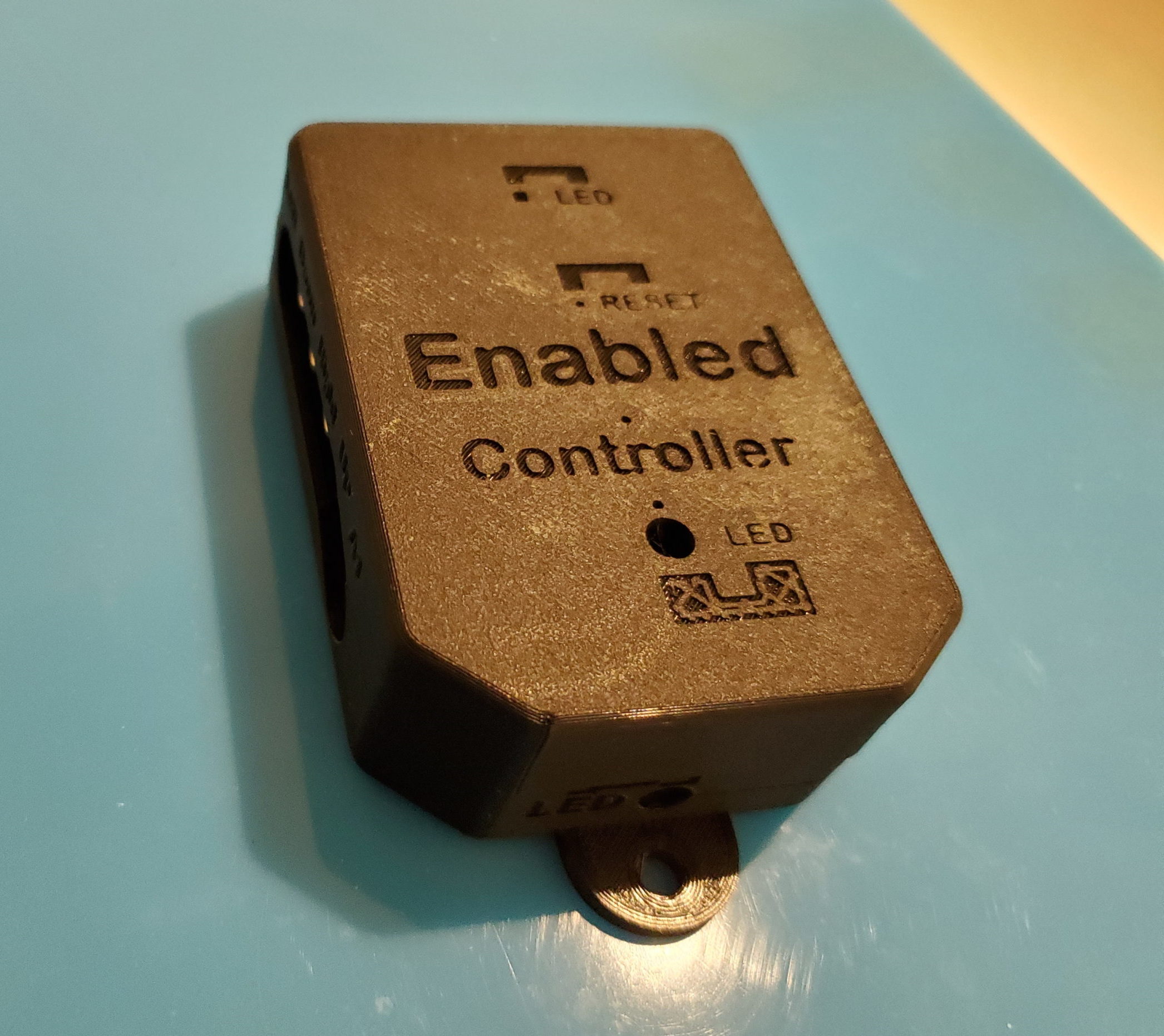
Enabled Controller
The Enabled Controller is an open-source switch interface that enables adaptive switches and analog joysticks to be used with a compatible USB device such as a computer, tablet, or phone.
 Electronics
 Custom PCB
 3D Printing
 Software
 0
0 13
13 0
0 1.2k
1.2kDevice Information
Overview
The Enabled Controller is an open-source switch interface that enables adaptive switches and analog joysticks to be used with a compatible USB device such as a computer, tablet, or phone. The device accepts up to 8 adaptive switches (3.5 mm) and up to two dual axis analog joysticks as inputs. The switches and/or joysticks can be configured in two modes:
- USB Version - Keyboard and mouse
- Joystick Version - Gamepad
It is possible to change software versions using a computer and a moderately involved process.
There is also an Enabled Controller Mini device.
How To Use
The Enabled Controller can be connected to the digital device you would like to make switch accessible. Depending on the mode of software it is in, it will act as a keyboard and mouse or a gamepad. For more information, see the User Guides for either the USB Version or Joystick Version.
Disability Type Description
This device is intended for assistive switch users that want to interface with digital platforms.
Estimated Cost (CAD)
Maker Information
Skills Description
This project involves beginner level 3D printing, soldering, and programming to install the correct firmware.
Print Time (hrs)
3
Assembly Time (hrs)
1
Tools Needed
3D Printer;Soldering Iron
Build Instructions
The device consists of several off-the-shelf electronic components, a custom printed circuit board, a 3d printed enclosure, and some mechanical fasteners.
Information on assembly and programming can be found in the Assembly Guide.
Project Link
Please login or register to agree to the MMC Terms of Use to access the Project Link
License
Attribution
Makers Making Change - Milad Hajihassan
Reviews

There are no reviews for this device