
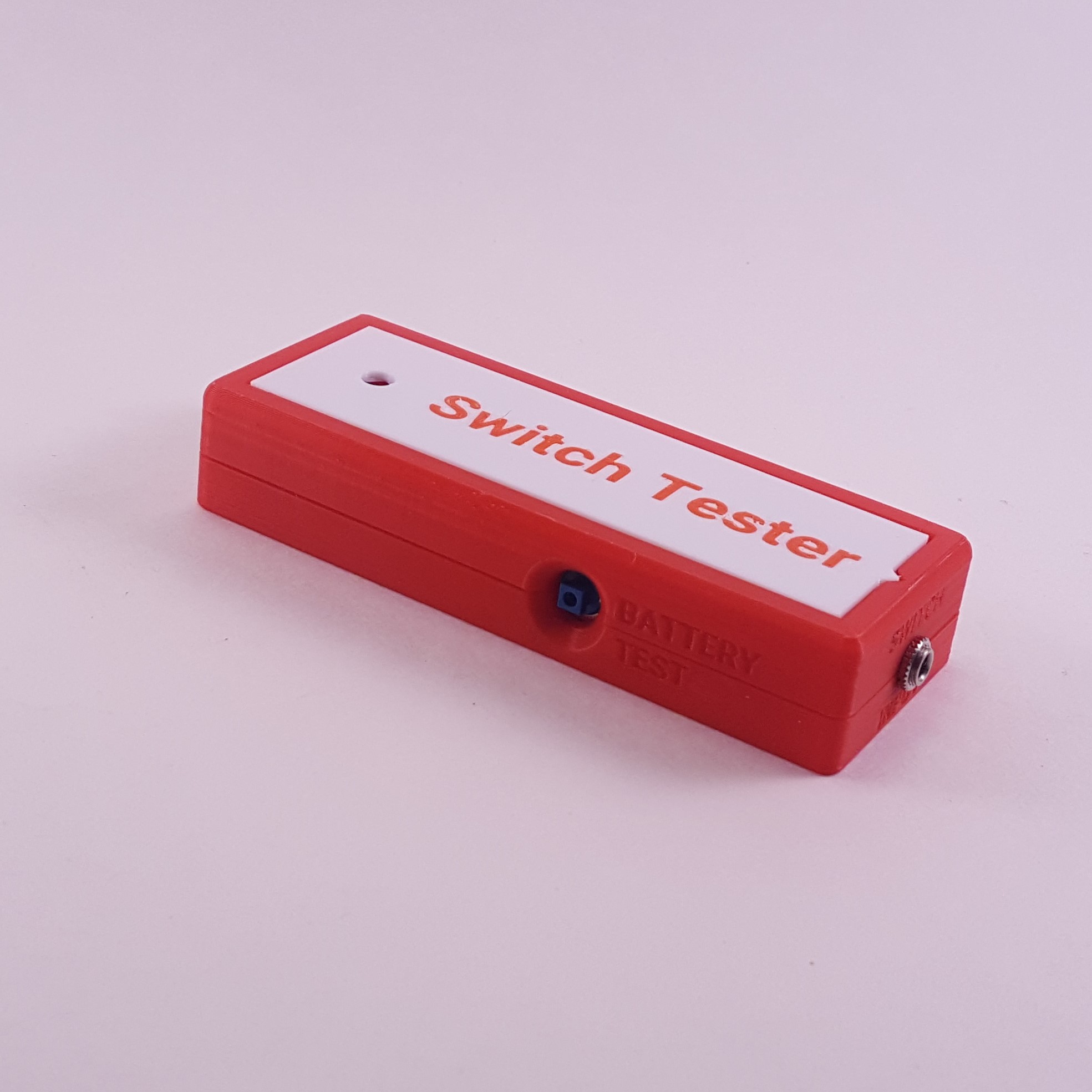
Simple Switch Tester
If you're ever unsure whether an assistive switch still works, you can plug it into the Simple Switch Tester to quickly check if it's still usable. Take the guesswork out of AT maintenance!
 Mechanics
 3D Printing
 5
5 75
75 1
1 991
991Device Information
Overview
Sometimes it can be hard to tell if it's the assistive switch that's not working, or the assistive technology. The Simple Switch Tester makes it easy to determine which device is the issue.
When an assistive switch is plugged into the tester and activated, a red light on the tester will illuminate indicating that the switch is functioning correctly. If the tester doesn't light up, that means the switch needs fixing.
The tester is powered by two AAA batteries and comes with test button on the side to test that the tester is working correctly.
How To Use
Press the test button on the Switch Tester to confirm that the tester is working and has adequate battery power. If the tester is working properly, the light should turn on.
To test the switch, connect the 3.5 mm jack on the switch into the tester. Activate the assistive switch. If the switch is working properly, the red light on the Switch Tester will illuminate.
Disability Type Description
This device is suitable for clicians, switch users, and makers to check whether a switch is working correctly.
Estimated Cost (CAD)
Maker Information
Skills Description
This is a beginner level build that requires 3D printing, soldering and assembly.
Print Time (hrs)
3.5
Assembly Time (hrs)
1
Tools Needed
Common Hand Tools;3D Printer;Soldering Iron
Build Instructions
This device consists of a three 3D printed part and a couple electronic components that need to be soldered together. Refer to the assembly guide to build the device. Watch the build tutorial here
Print Settings:
- 0.2 mm layer height
- 20% infill
- No Supports
Project Link
Please login or register to agree to the MMC Terms of Use to access the Project Link
License
Attribution
Design and documentation by Neil Squire Society / Makers Making Change.
Reviews

There are no reviews for this device